
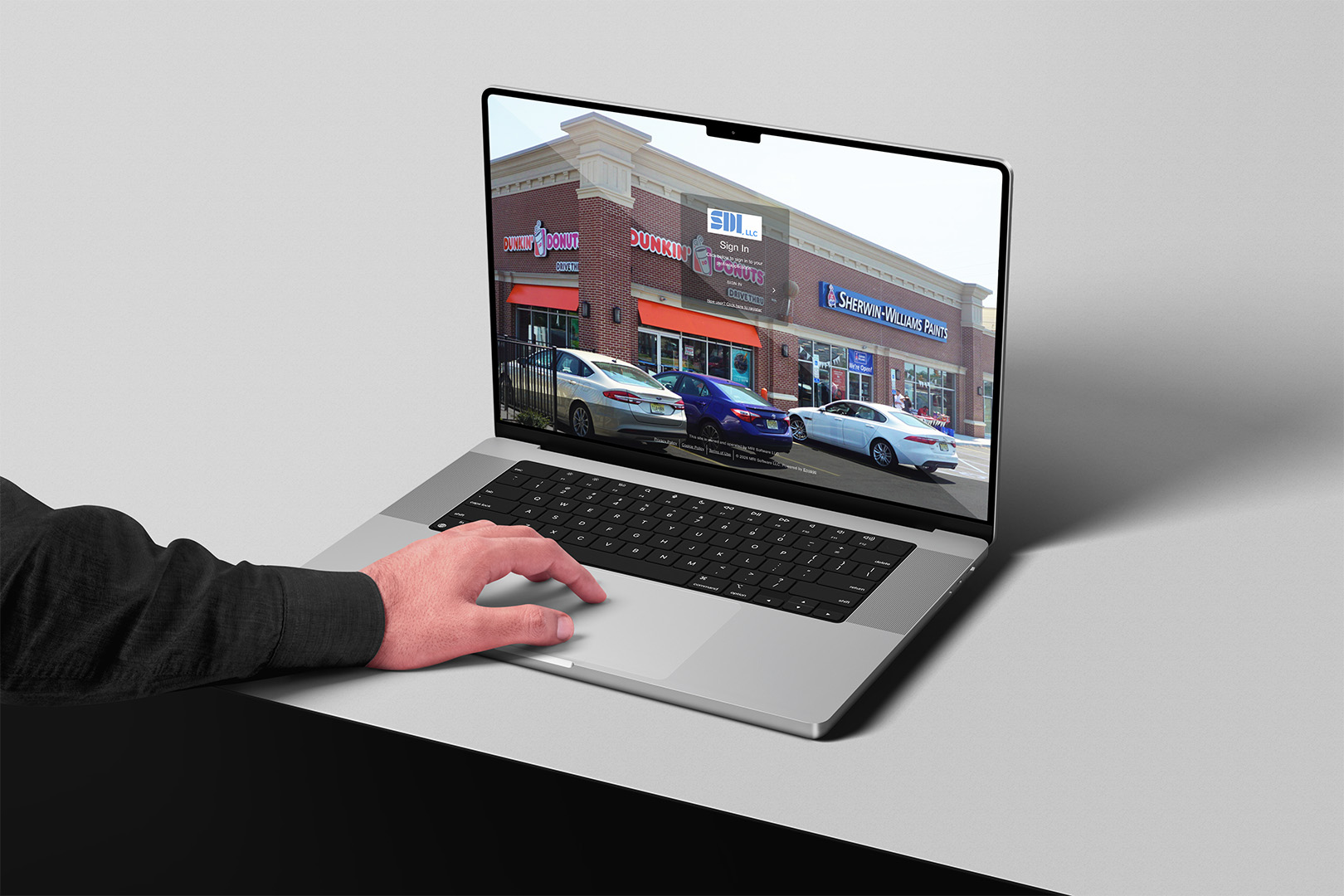
What You Can Do in the Portal
View Account Balances & Make Payments
Securely review invoices and pay online via eCheck, debit, or credit card.
Submit Retail Sales Reports
Upload required sales figures and supporting documentation.
Access Lease Documents
Download lease documents and building notices.
Submit Maintenance Requests
Report issues directly to property management with photo uploads.
View Lease Details
Review recurring charges and lease information.
Manage User Access
Tenant administrators can provision additional users for their organization.
How to Get Started
Step 1
Your company’s primary contact will receive an activation email from ICRE.
Step 2
Create your login and verify your email address.
Step 3
Once logged in, administrators can add additional users under “User Management.”
Portal Login URL:
https://sdillc.mriengage.com
→ eCheck – No fee, most convenient option!
→ Debit Card – $9.95 flat fee
→ Credit Card – 3.24%–3.75% transaction fee
Need Assistance?
For assistance with portal access, please contact your property management representative.
Ready to Login?